
My Disney Experience App: More Features You May Have Missed
When you’re on a Disney World World vacation, the My Disney Experience app is indispensable! From maps and wait times to dining reservations and Lightning Lanes, the app makes your trip more seamless. Here are a few more helpful features in My Disney Experience that you may not have been aware of.
Manage Your MagicBand
Sometimes having several active MagicBands can cause issues, but you can manually activate or deactivate them in My Disney Experience. From the hamburger menu (the 3 lines on the bottom right of the screen), scroll down under Account and click on MagicBands & Cards. Then go to your profile, and you can swipe through to see the status of your various bands.
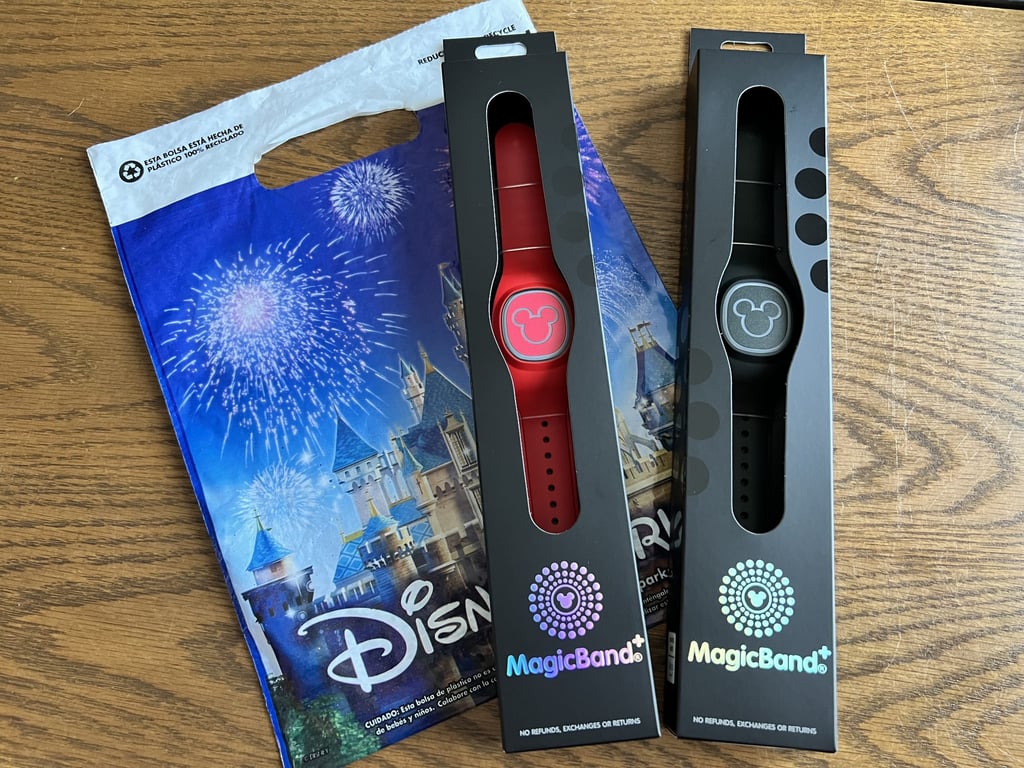
Scrolling down under each band, you can find the button to deactivate or activate the band. You can also report a band as lost. For MagicBand+, you can even customize your band by changing the color of the light up theme or adjusting the brightness, vibration, and interactive features.
Find Bus Wait Times
Sure, the bus stops at the resorts typically have screens showing the estimated arrival times of each theme park bus, but did you know you can also find this info on your app? From the hamburger menu, find Hotel Reservations under the My Visit section. Click on your resort reservation and then See Bus Times. This way, you can find out how close the next bus is even before you leave your room.
Check Out Festival Offerings
Festival passports are a great way to see all that the EPCOT festivals have to offer. However, if you have the tendency to lose the festival passports, or you just don’t feel like carrying one around, you can still access festival info from My Disney Experience. From the app’s homescreen, scroll down to see the current EPCOT festival, and click on View Guide. From here, you can see a list of the food booths, a map of their locations, menus, concert schedules, and details on scavenger hunts. This is also where you can find the allergy-friendly menus for the festival.
Find Health Care Services
Even in the most Magical Place on Earth, you can still get sick. If that does happen, you can use your My Disney Experience app to find care. From the hamburger menu, go to Accessibility & Health Services under Help & Feedback. Disney partners with AdventHealth for video visits, urgent care visits, prescription delivery to your resort, and medical equipment rental and delivery.
Should you need to visit AdventHealth’s urgent care center, complimentary transportation for Disney World Resort Guests can be arranged through First Aid, your resort’s front desk, or by calling AdventHealth Experience Center (407-939-7480).
Find Merchandise
Have you ever found something that you like and decided that you’ll come back for it, only to later realize you can’t seem to find that item at another store? Soon the My Disney Experience app will be able to help you locate merchandise. The app is currently testing a feature that shows you where you can go to purchase a specific item. From the homepage, scroll near the bottom to Find Merchandise and click on Try It Out. You can type in the search bar, select top products, or search for products by trending categories. As it is still in testing mode, the feature only reflects what is available at World of Disney at Disney Springs, but it will be very helpful for future trips.
Start planning your next Disney World vacation! Browse the confirmed reservations, or request a free quote to rent DVC points and save up to 65% compared to booking directly through Disney.